We eat cookies to offer a better experience. Privacy Policy
The 10 Best Quiz Makers in 2026 (Tested and Ranked)
I tested ten popular quiz makers, from Blooket and Kahoot to Google Forms, and ranked them by what you actually get for free in 2026. Here is which one to pick for your classroom, pub quiz, or meeting.
By Salim Dın
September 9, 2026
11 min read
962 views
toolslistquiz makers
If you searched for the best quiz maker and landed on a list written in 2023, throw it away. The quiz tool landscape has changed a lot in the last year or two. Quizizz is not even called Quizizz anymore (it is Wayground now), Kahoot keeps tightening its free plan, and Typeform quietly slashed its free tier to almost nothing.
So I sat down, made a short quiz in each of the big players, and paid special attention to one thing most roundups gloss over: what you actually get without paying. Marketing pages love the word "free". The fine print usually disagrees.
In this article, I will rank ten quiz makers, tell you what each one is genuinely good at, what the free plan really gives you in 2026, and one honest downside for each. No tool is perfect, and the best one for a 6th grade classroom is not the best one for your company all-hands.
The quick verdict
In a hurry? Here is the whole article in one list:
Best free quiz maker overall: Blooket (up to 60 players and most game modes, without paying a cent)
Best for tracking student progress: Edcafe AI
Best for classrooms and homework: Wayground, formerly known as Quizizz
Best live event energy: Kahoot, if you can live with its 10-player free cap
Salim has experience in content marketing, growth marketing, and building viral quizzes. Salim founded Quiz Questions Org (QQO, in short) in 2025. Ever curious, he loves researching different topics and areas to turn them into quizzes. Salim has a lifelong passion for cycling and traveling.
Best for personality and lead-gen quizzes: Typeform
How I picked and ranked these
My ranking logic is simple. I weighed three things: how good the free plan actually is in 2026, how fun the experience is for the people answering, and how fast you can go from a blank page to a playable quiz. I care about the free plan the most, because that is where almost every teacher, quizmaster, and team lead starts.
One more thing before the list. A quiz maker is just an empty stage. The show is your questions. Whichever tool you pick below, you can fill it with the thousands of free community-submitted questions on quizquestions.org, so you never start from a blank page.
1. Blooket (best free quiz maker in 2026)
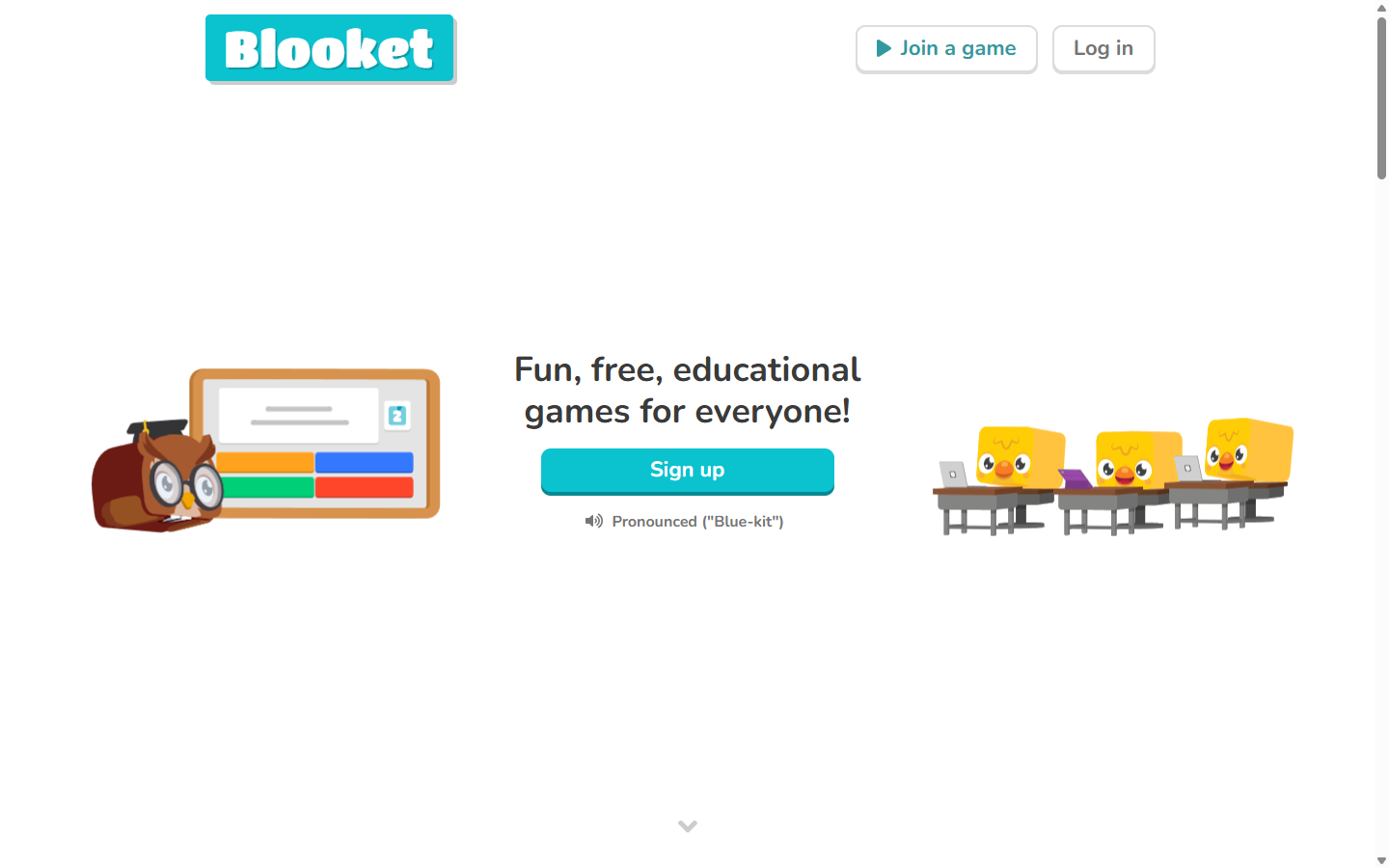
The Blooket homepage
Blooket takes your question set and wraps it in arcade-style games. Instead of a plain leaderboard, players answer questions to earn gold, build tower defenses, or steal crypto from each other in modes like Gold Quest, Tower Defense, and Crypto Hack. The questions stay the same; the game around them changes, which keeps repetition from feeling like repetition.
The reason it sits at number one is the free plan. You can create unlimited question sets, host games with up to 60 players, and use most of the game modes without paying anything. Players join with a code and do not need accounts. In a market where competitors keep shrinking their free tiers, Blooket kept its generous, and that deserves the top spot.
The honest downside: the whole aesthetic is built around cute blocky characters called Blooks, which is perfect for schools and family game nights but can feel childish at a corporate event. Reporting on the free plan is basic, and homework assignments cap out at 14-day deadlines unless you upgrade.
2. Edcafe AI (best for tracking student progress)
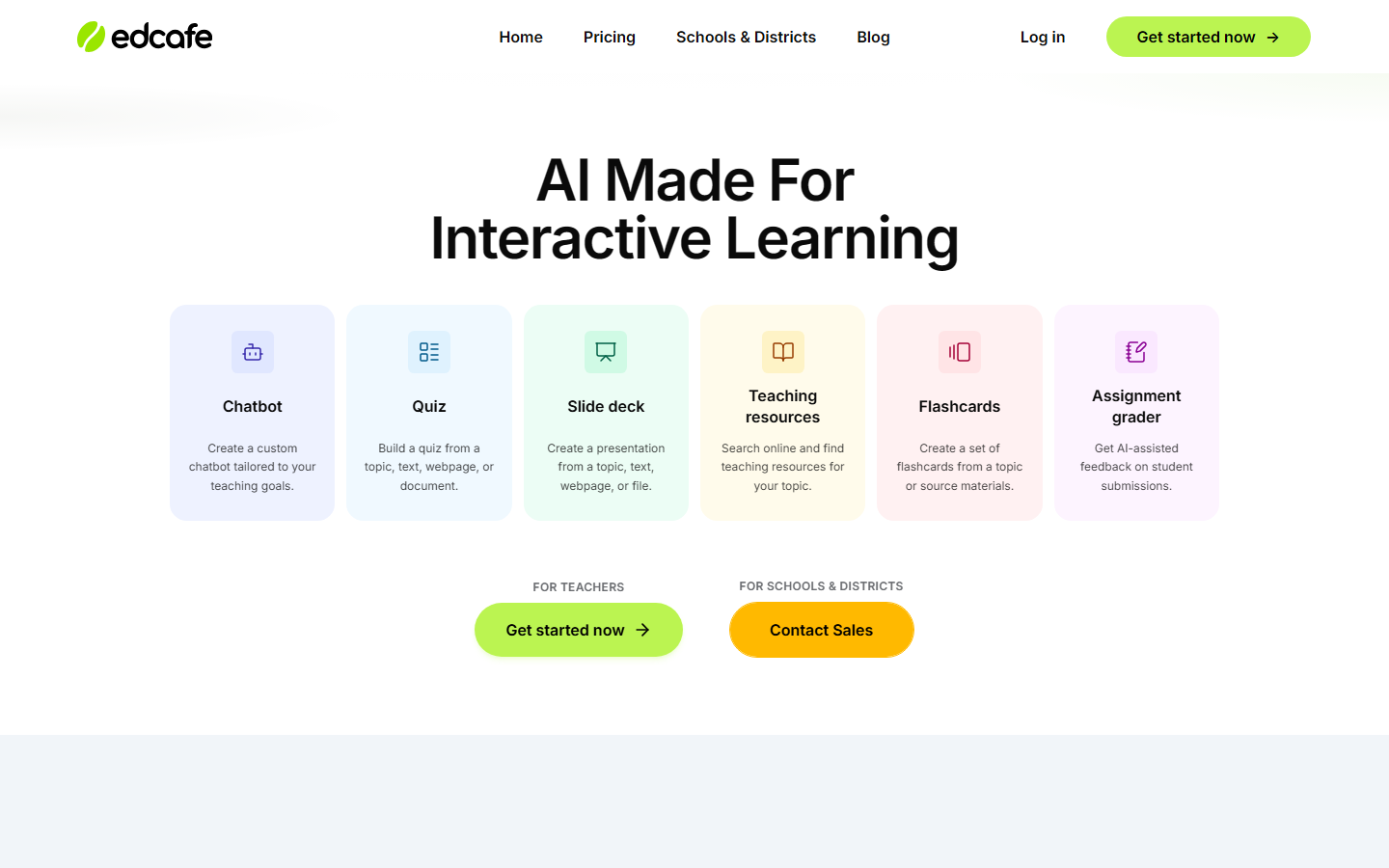
The Edcafe AI homepage
Edcafe AI takes a more teacher-focused approach to quizzes. You can create quizzes from a topic, text, webpage, YouTube video, or existing file, then tailor questions to your grade level, difficulty, or instructional framework. But where it really stands out is what happens after students take the quiz: teachers can track submissions and learning progress instead of treating the quiz as a one-off activity.
Quizzes can be assigned by link, QR code, or LMS in three modes: Classic, Practice, and Assessment. Students receive automatic grading and AI-assisted feedback, while teachers can monitor results through real-time dashboards and use the Analytics Assistant to dig deeper into student progress.
The honest downside: Edcafe AI is not built around the game-show experience of Kahoot or the strategy-heavy game modes of Gimkit. If the goal is simply to make quizzes feel like a game, those platforms have the edge. Edcafe makes more sense when you want the quiz to double as a way to understand how students are actually learning.
3. Wayground, formerly Quizizz (best for classrooms)
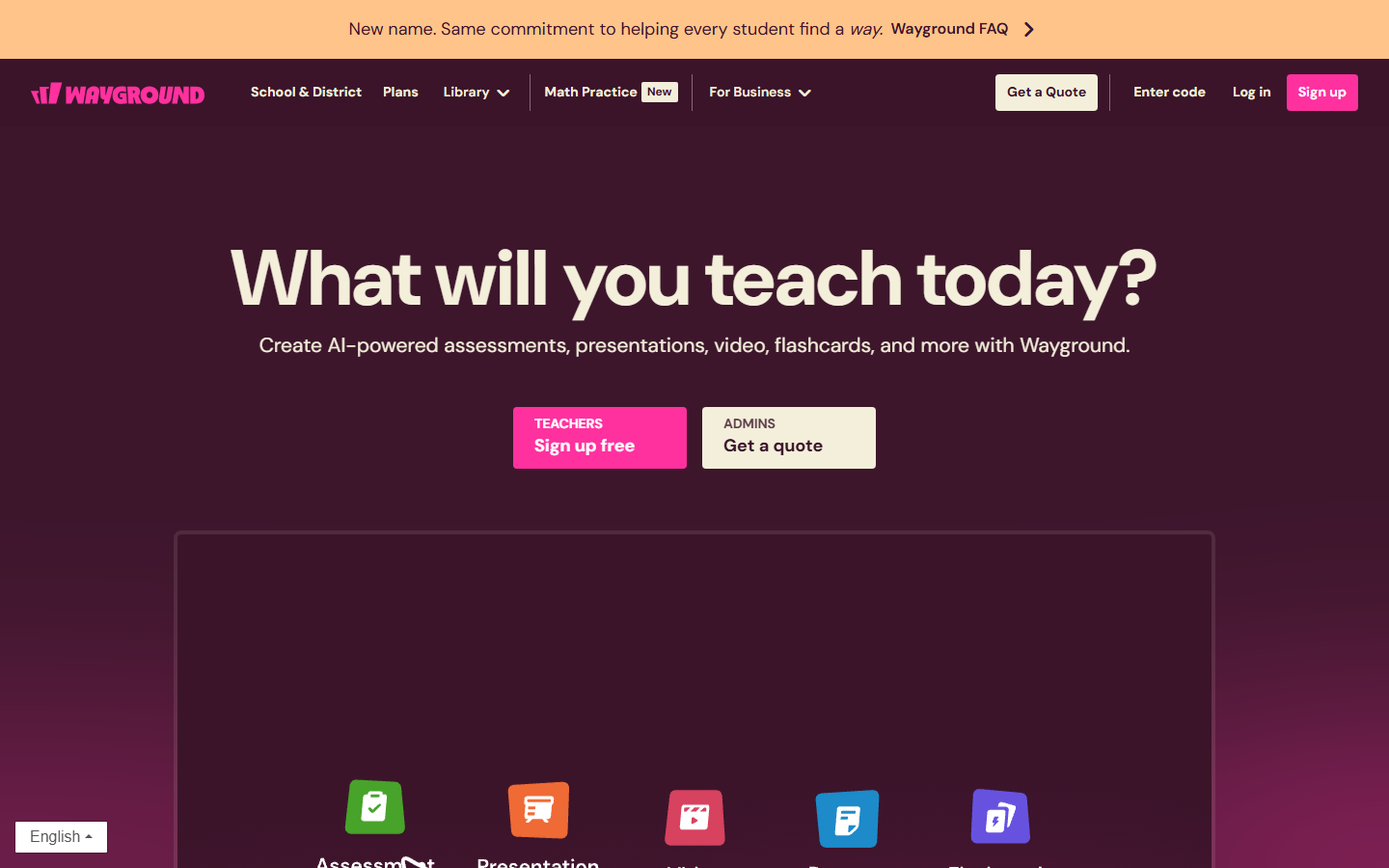
The Wayground homepage, still reminding visitors about the name change from Quizizz
Yes, this is the tool you knew as Quizizz. It rebranded to Wayground in the summer of 2025, and everything else carried over: accounts, quizzes, even old links redirect. It is the most complete teaching package on this list, with live games, student-paced assignments, many question types, AI generation tools, and a giant public library of ready-made quizzes.
The free Starter plan still covers the essentials, and you can host your quizzes live or asynchronously as often as you like. One important change to know: since January 1, 2026, free accounts can store up to 20 of their own resources in their library. You can still use and host unlimited quizzes from the public library, so in practice most casual users will not feel the wall.
The honest downside: that 20-resource cap stings if you are a prolific creator, and the interface nudges you toward the paid plans fairly often. The rebrand also means half the tutorials and links out there still say Quizizz, which can be confusing.
4. Kahoot (the classic, with a catch)
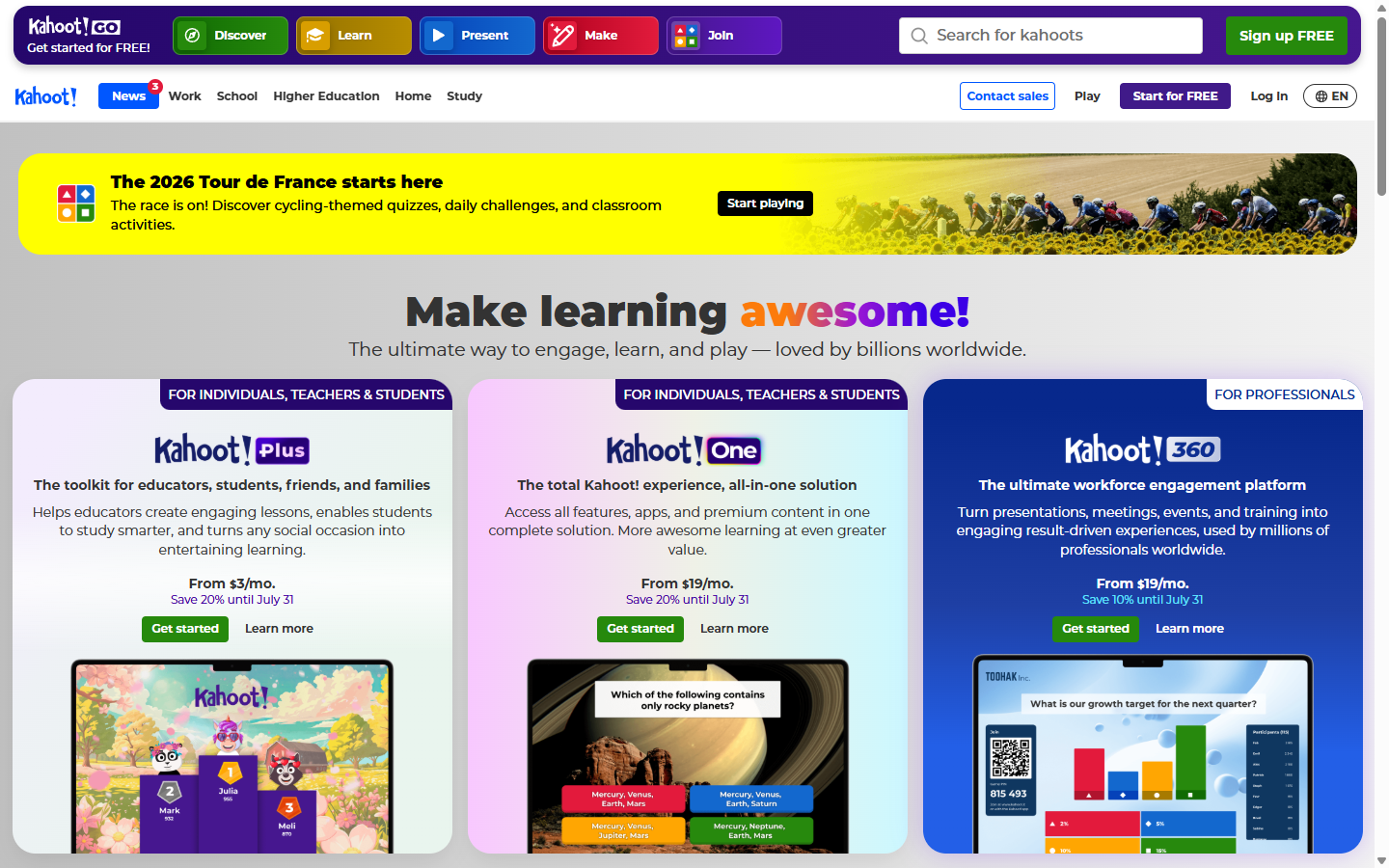
The Kahoot homepage
Kahoot is the name everyone knows, and for good reason. The live experience is still the most polished in the business: the countdown music, the big colorful answer buttons, the podium reveal at the end. If you say "let's play a quiz" in a classroom or an office, half the room will just say "Kahoot?".
The catch is the free plan. In 2026, a free personal account caps live games at 10 players, and features like team mode and detailed reports live behind paid plans that come in a genuinely confusing number of flavors. Ten players is fine for a family night or a small team, but it rules out most classrooms and pub quizzes without a subscription.
The honest downside: you will hit the paywall fast. Kahoot is the best-produced quiz experience on this list, but it is no longer a tool I can recommend as a free option, and the plan matrix takes real effort to decode.
5. Gimkit (the most addictive game modes)
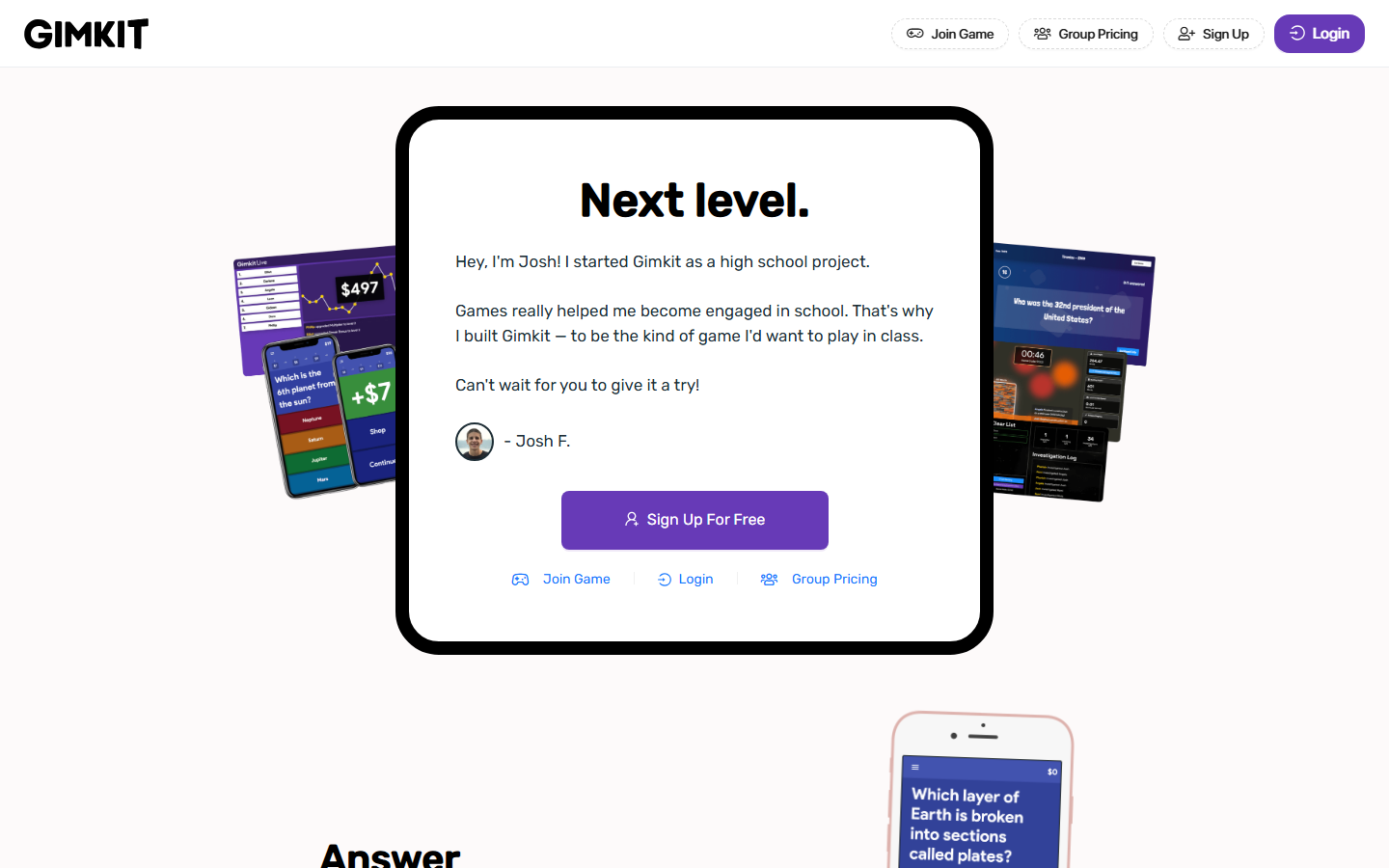
The Gimkit homepage, with a note from Josh, who started it as a high school project
Gimkit was famously created by a high school student who wanted the kind of game he would actually enjoy in class, and it shows. Answering questions earns you in-game cash that you spend on upgrades and power-ups, and the 2D game modes feel closer to a real video game than a quiz. Players do not just answer; they strategize.
The free Basic plan lets you build kits and play, but it rotates a small selection of free game modes at any given time, and the fancier Pro-exclusive modes are heavily limited for free users. Gimkit Pro runs about $5 per month billed annually (roughly $60 a year), which is honestly fair for what you get, but it means the free tier works more like an extended demo.
The honest downside: of all the tools here, this is the one where the free plan feels most like a teaser. If your students fall in love with a specific mode, it may rotate out from under you until you pay.
6. Google Forms (the best truly free option)
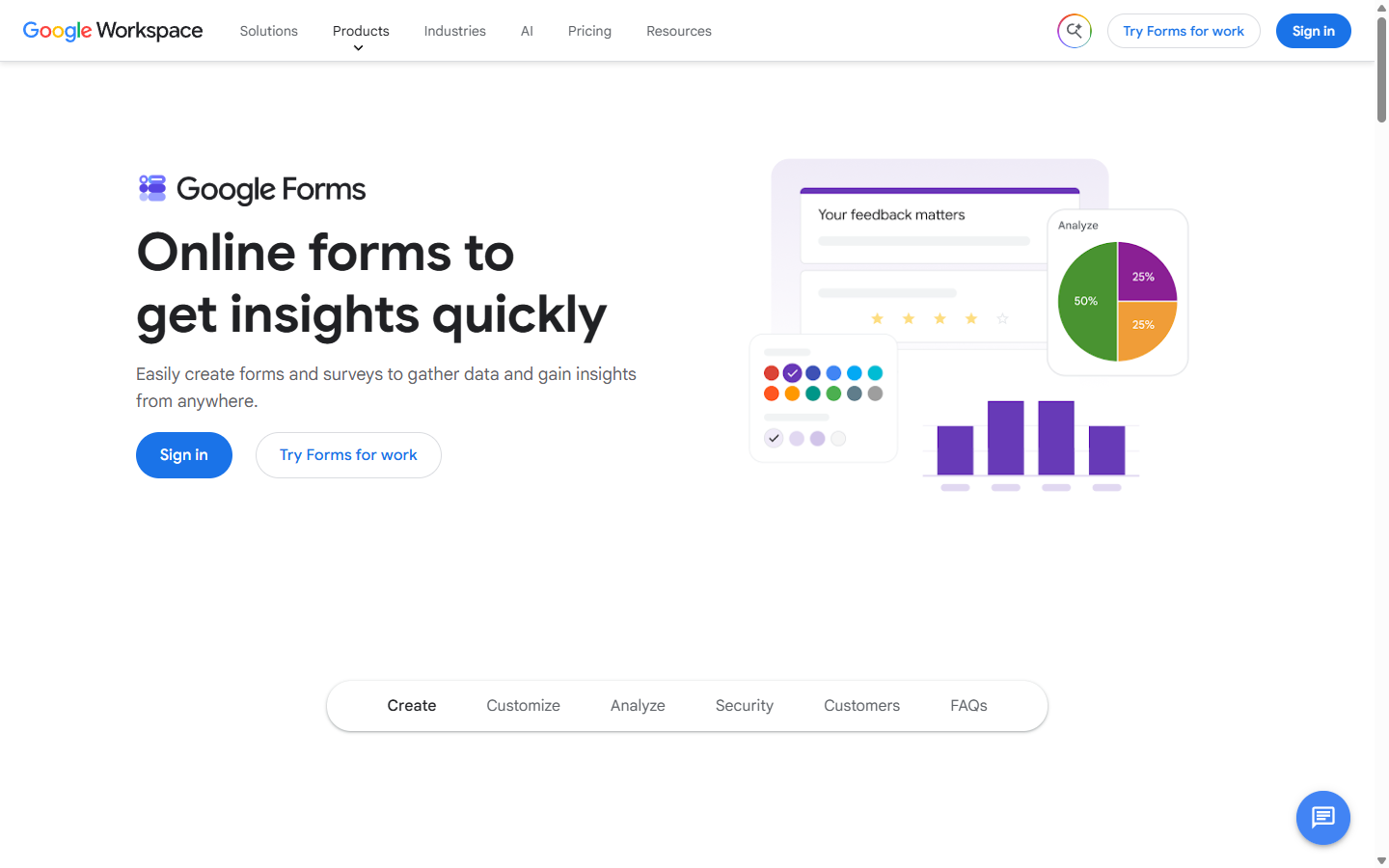
The Google Forms page on the Google Workspace site
Google Forms is not glamorous, but flip on "Make this a quiz" in the settings and it becomes a surprisingly capable quiz maker. You set an answer key, assign point values, add feedback for right and wrong answers, and it grades choice-based questions automatically the moment someone submits. Results land in a spreadsheet if you want them there.
And it is actually free. No player caps, no response limits, no locked question types, no ads. For self-paced quizzes, homework, certification-style tests, or a quiz you email to 500 people, nothing else on this list matches that at zero cost.
The honest downside: there is zero game feel. No music, no leaderboard, no live energy. Open-ended answers still need manual review, and nobody has ever cheered while filling out a Google Form.
7. AhaSlides (best for meetings and presentations)
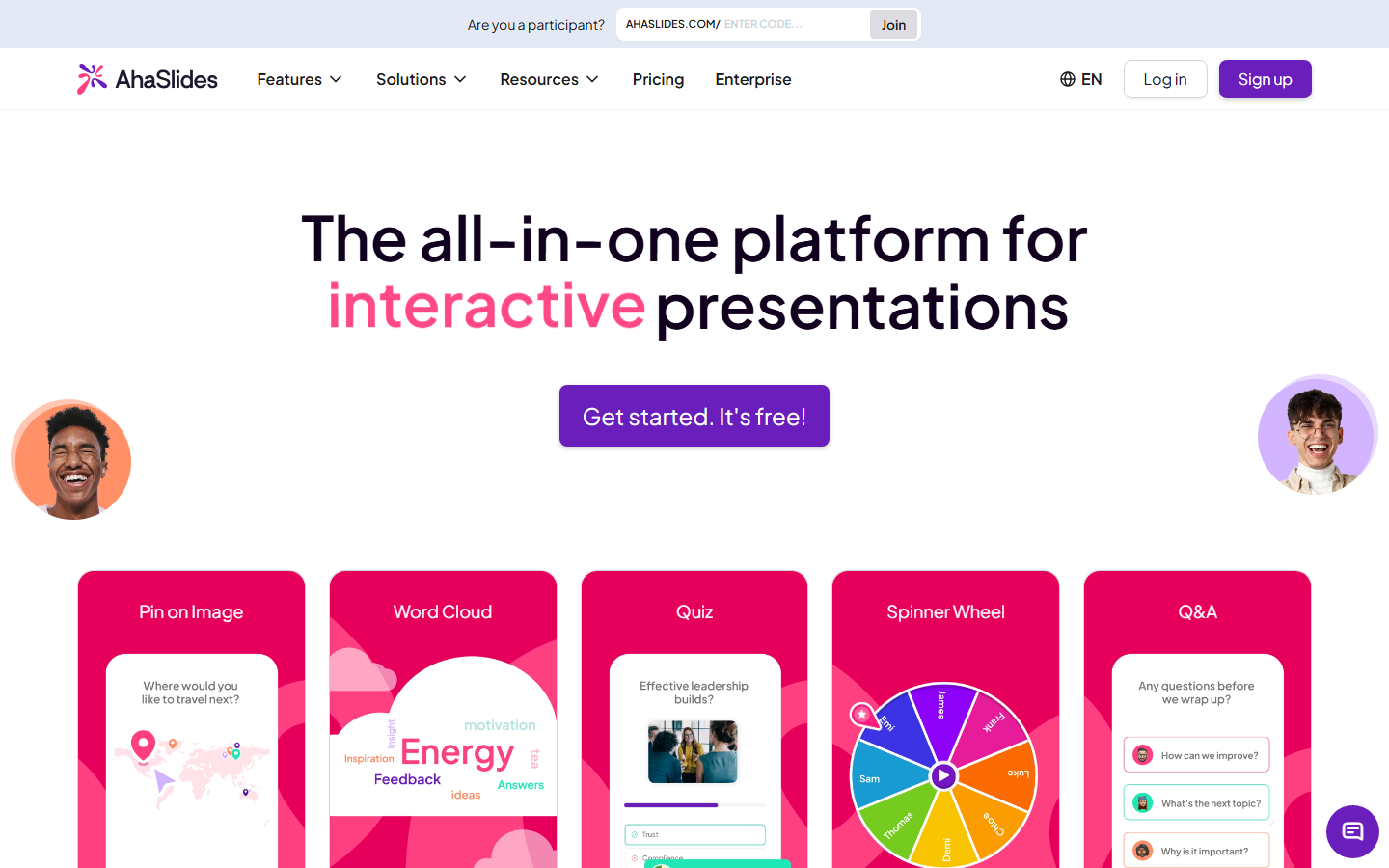
The AhaSlides homepage
AhaSlides is an interactive presentation tool where quizzes are one slide type among many, next to live polls, word clouds, Q&A, and even a spinner wheel. That mix is exactly what you want for a training session, a workshop, or a team meeting where the quiz is part of a bigger flow rather than the whole event.
The free plan is one of the better ones in this category: up to 50 live participants per presentation, unlimited presentations per month, with up to five quiz slides per deck. I looked at Mentimeter for this same slot, but for a free quiz-first setup, AhaSlides gives you more room to play.
The honest downside: the five-quiz-slide limit means a proper 20-question trivia night will not fit in one free presentation. Go over the limits and your event gets restricted to a handful of participants until you trim it down or upgrade.
8. Quizlet (best for studying, not hosting)
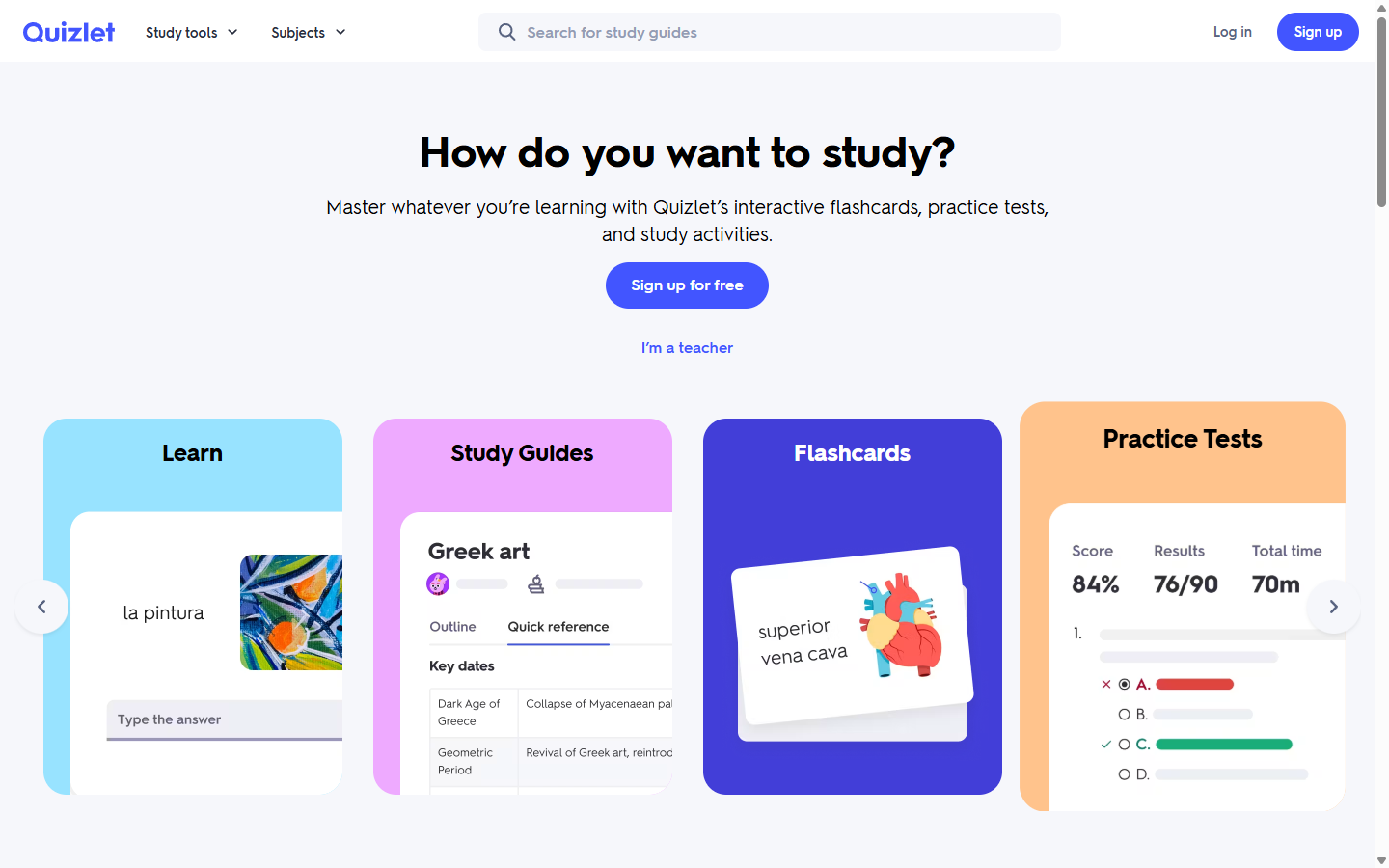
The Quizlet homepage
Quizlet approaches quizzes from the opposite direction: instead of hosting a game for a crowd, it turns your material into flashcards, practice tests, and study activities for one person grinding toward an exam. Its library of existing study sets is enormous, so there is a decent chance your exact textbook chapter already exists as a set.
The free plan lets you create and study flashcard sets and search the public library, but the smarter study modes come with daily usage limits, and you will see ads between rounds. The paid Plus tiers remove the limits and unlock the AI-powered features.
The honest downside: the free experience has been shrinking year after year. Hitting a daily limit mid-study-session is genuinely annoying, and if you want to host a live group quiz, this is simply the wrong tool for the job.
9. Canva quiz maker (best-looking quizzes)
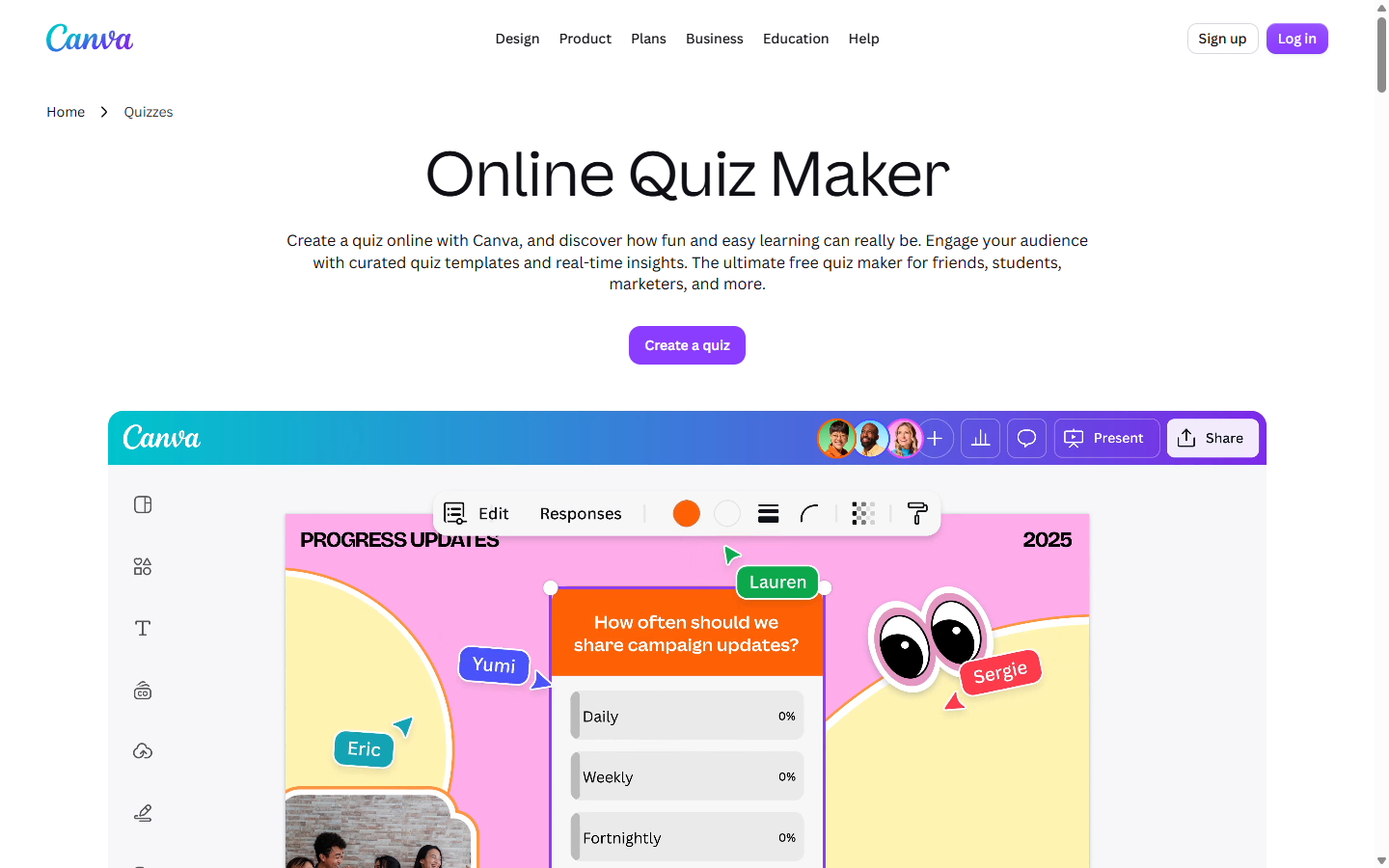
Canva's online quiz maker page
Canva's quiz maker is for people who care how the quiz looks. You build quiz and poll blocks right inside a presentation, collect answers in real time, and lean on thousands of designed templates so the whole thing looks like a designer made it. The AI quiz generator, which drafts questions from your text, is included on every plan, free ones too.
It is also the most flexible output on this list: export your quiz deck as a PowerPoint file, a PDF, images, or even a video. For a themed pub quiz round with big beautiful picture questions, Canva is quietly excellent.
The honest downside: there is no real game engine here. No points race, no leaderboard mechanics like Blooket or Kahoot, and some of the response and insights features sit behind Canva Pro. It makes gorgeous quizzes; it does not make competitive ones.
10. Typeform (best for personality and marketing quizzes)
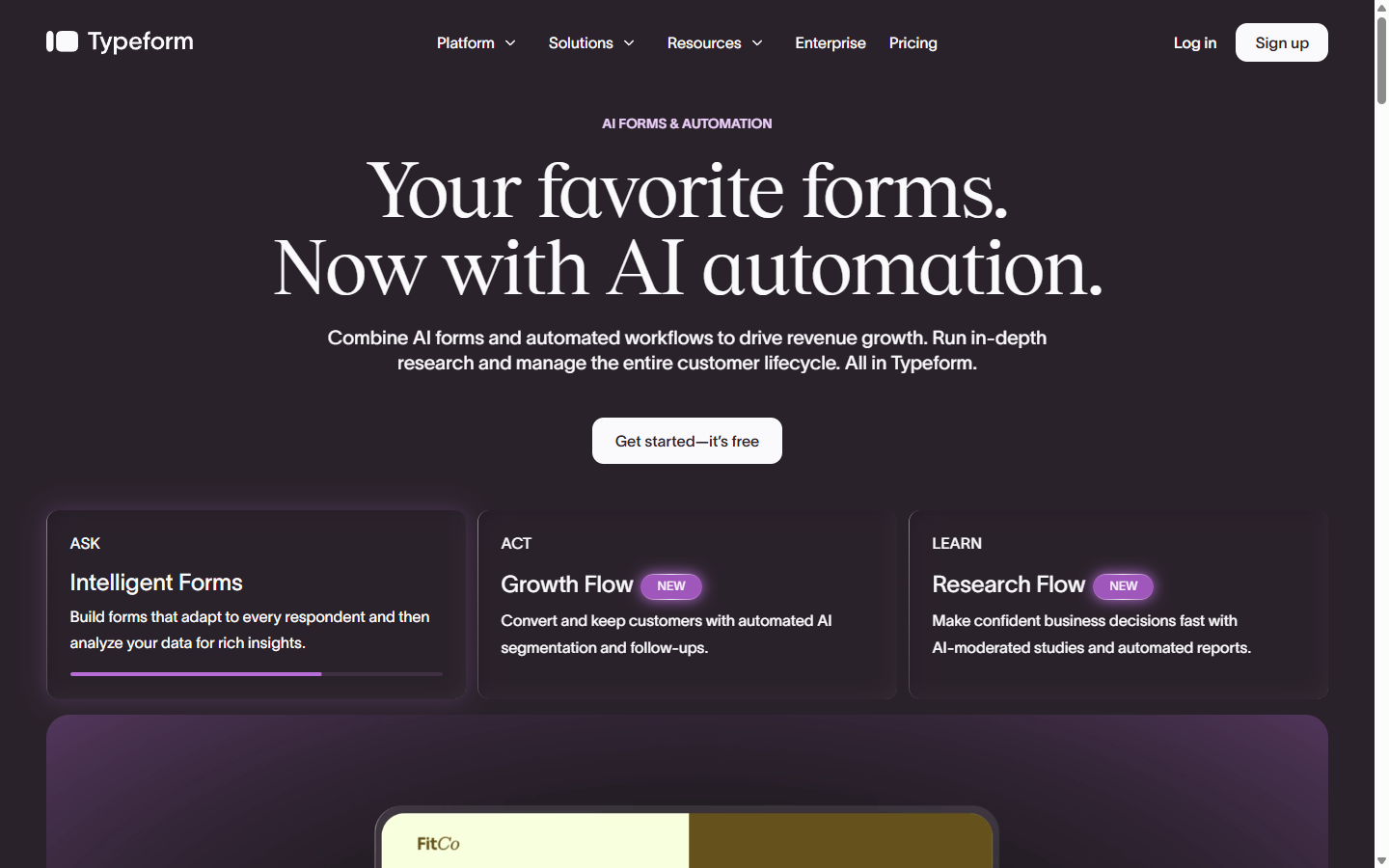
The Typeform homepage
Typeform shows one question at a time on a beautifully designed screen, which makes it the natural home of "Which character are you?" quizzes, scored assessments, and lead-generation quizzes on business websites. Logic jumps let each answer steer people down a different path, something none of the classroom tools above do as elegantly.
So why is it last? The free plan. In early 2026, Typeform cut the free tier down to 10 responses per month across your entire account, down from 100. Once you hit the cap, your forms go private until next month. Ten responses is not a quiz plan; it is a preview.
The honest downside: beyond that free plan, paid tiers are priced for marketing teams, not quizmasters. If you are not using quiz answers to grow a business, your money goes much further elsewhere on this list. If you are obsessed with experience, you might check out free alternatives to Typeform, as there are some tools that offer a similar experience but with a much more accessible free plan.
Final thoughts
If I had to hand you one link and walk away, it would be Blooket for a fun group game on a budget, Wayground for running a classroom, and Google Forms when you just need clean, free, auto-graded results. Kahoot is still the smoothest show in town, as long as you accept that the free days are mostly over.
Tip
Before you commit, run the same 10 questions through your top two picks with a few friends or students. Ten minutes of real playtesting tells you more than any ranked list, including mine.
And remember the part that actually decides whether your quiz night lands: the questions. Every tool above is an empty container. You can browse our community's questions by category, or let our free AI question generator draft a themed round for you in seconds, then paste the results into whichever quiz maker won you over. If you write a great question of your own along the way, submit it and let thousands of other quiz hosts use it too.