We eat cookies to offer a better experience. Privacy Policy
The Best Form Builders in 2026 (Free Plans Compared)
I compared the free plans of nine popular form builders in 2026, from forms.app to Typeform, with fresh screenshots and a clear winner for quiz makers and trivia hosts.
By Salim Dın
July 18, 2026
10 min read
564 views
toolslistform builders
I run a quiz questions site, so form builders are something I touch almost every week. Trivia night signups, question submissions from readers, feedback forms, quick practice quizzes; all of it runs through some kind of form.
And the form builder market in 2026 is a strange place. Some tools are genuinely generous with their free plans, while others quietly cut theirs down to almost nothing (more on Typeform later). So the question is not really "which form builder is best", it's "which one still lets you do useful work before hitting a paywall".
For this list, I looked at nine popular form builders, checked the free plan limits against their own official pages, and took fresh screenshots of each one. I'll tell you what each tool is, what it's best at, what the free plan actually gives you, and one honest downside. Let's get into it.
The quick verdict
If you just want the short version, here is how I would match each tool to a use case:
Best for most people: forms.app (unlimited responses, views, and team members for free)
Best for unlimited forms on a budget: Tally (no volume limits, but a small feature set)
Best for auto-graded quizzes: Google Forms (free quiz mode with answer keys)
Best free plan with pro polish: Fillout (1,000 responses a month for free)
Best template and integration library: Jotform
Best for Microsoft 365 households and schools: Microsoft Forms
Salim has experience in content marketing, growth marketing, and building viral quizzes. Salim founded Quiz Questions Org (QQO, in short) in 2025. Ever curious, he loves researching different topics and areas to turn them into quizzes. Salim has a lifelong passion for cycling and traveling.
Best doc-style builder for small businesses: Paperform
My ranking logic is simple: what can you actually do on the free plan, how fast can you build, and how well does it handle quiz-style use cases like signups, submissions, and scored questions. That's why forms.app now sits at number one.
1. forms.app: the best form builder for most people
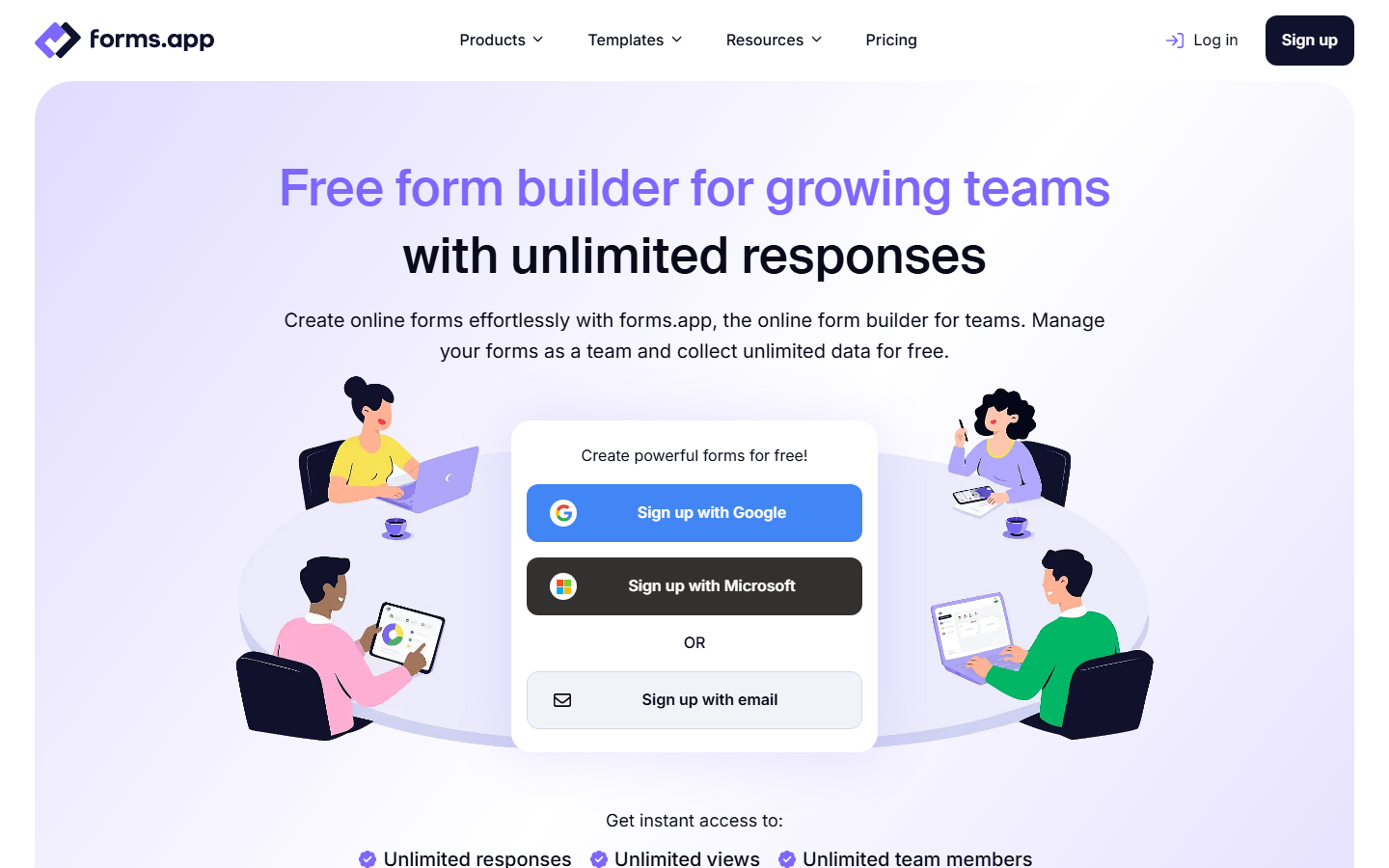
forms.app is an all-in-one builder for forms, surveys, and quizzes, and it has quietly become the most complete free option out there. You get a drag-and-drop editor, an AI form generator that builds a working form from a single prompt, over 5,000 templates, and 500+ integrations. It also looks the part: 20+ free themes, 100+ fonts, custom backgrounds, and both a classic list view and a one-question-at-a-time step view.
The forms.app homepage
Best at: Doing everything well. It's the rare tool that covers signups, scored quizzes with auto-grading and custom result messages, payments, and team workflows without asking for a card. For a quiz host, the built-in quiz scoring alone puts it ahead of most of this list.
Free plan reality: Up to 5 forms, but with unlimited responses, unlimited views, unlimited questions per form, and unlimited team members. Conditional logic, auto-scoring, e-signatures, payment collection, templates, and themes are all included. The paid plans are mainly about more forms, more storage, removing the forms.app branding, and custom domains.
The downside: The 5-form cap. Unlimited responses on 5 forms is plenty for most people, but if you spin up lots of small one-off forms, you'll bump into it. Free file storage is also a tiny 10MB, and your forms carry forms.app branding until you pay.
Features, looks, and pricing is the trio I judge these tools on, and forms.app is the only one that scores high on all three. Unlimited responses and unlimited team members on a free plan is something even the generous competitors don't fully match.
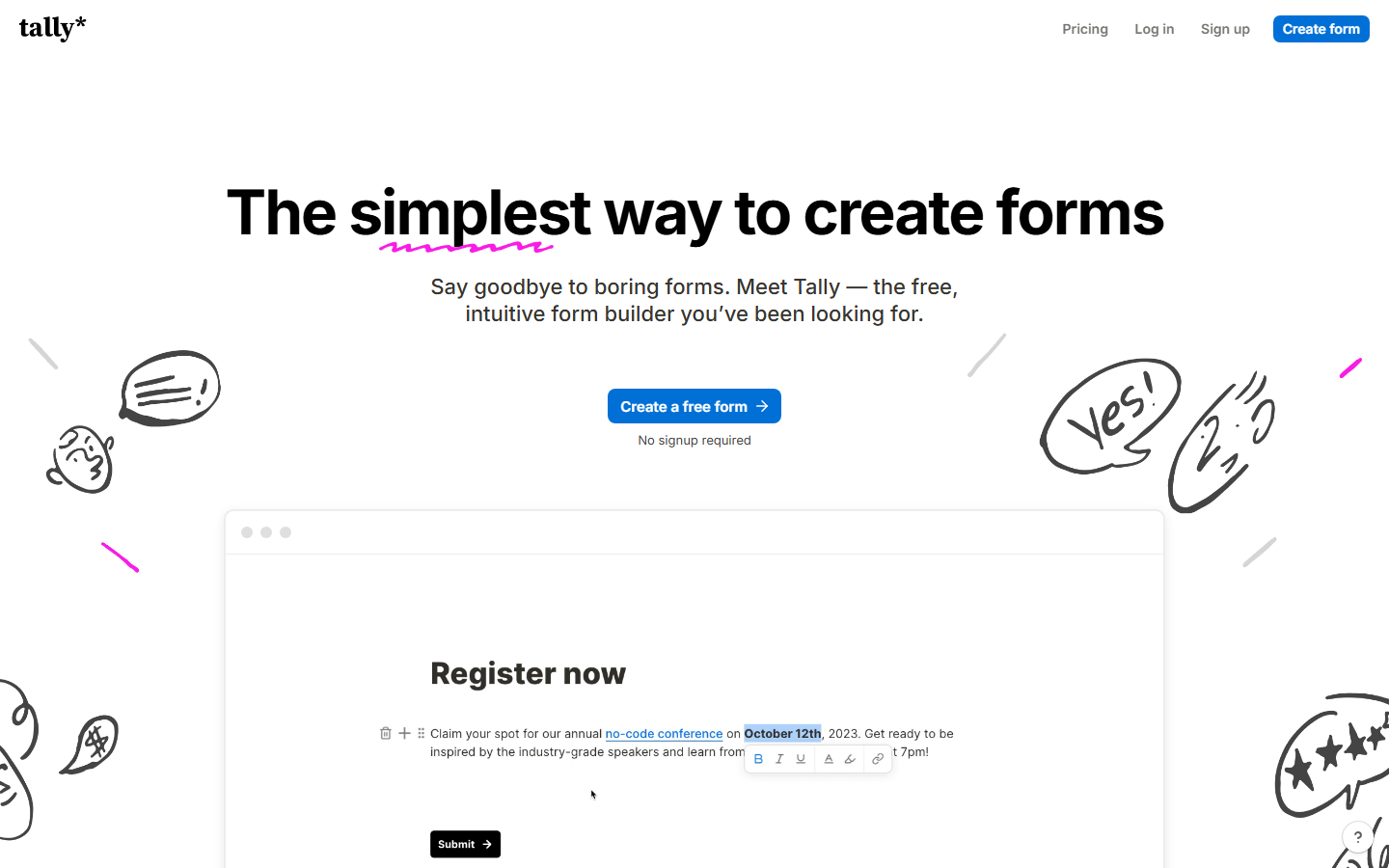
Tally is a form builder that works like a Notion page. You just start typing, hit a key to insert question blocks, and your form builds itself as a document. You can even start building without creating an account. Of all the tools on this list, it's the one where I get from idea to shareable link the fastest.
The Tally homepage
Best at: Sheer volume for free. Unlimited forms and unlimited submissions (within fair usage) make it perfect when you need lots of small, simple forms, like trivia night signups.
Free plan reality: Unlimited forms and submissions, with conditional logic, e-signatures, file uploads (up to 10MB), and Stripe payments included. But customization is thin: you can change colors and fonts, and that's roughly it. Even adding a custom background is off the table, because advanced customization and custom CSS both sit behind the Pro plan, along with team workspaces and branding removal.
The downside: The feature set is small. There is no built-in quiz scoring or auto-grading, the native integration list is short, and every free form looks unmistakably like a Tally form.
I still like Tally a lot, and its no-limits pricing is admirable. Just be clear about what you're getting: generosity on volume, not on features or looks. If you want your form to feel like yours, forms.app gives you far more room before any paywall shows up.
3. Google Forms: the free quiz workhorse
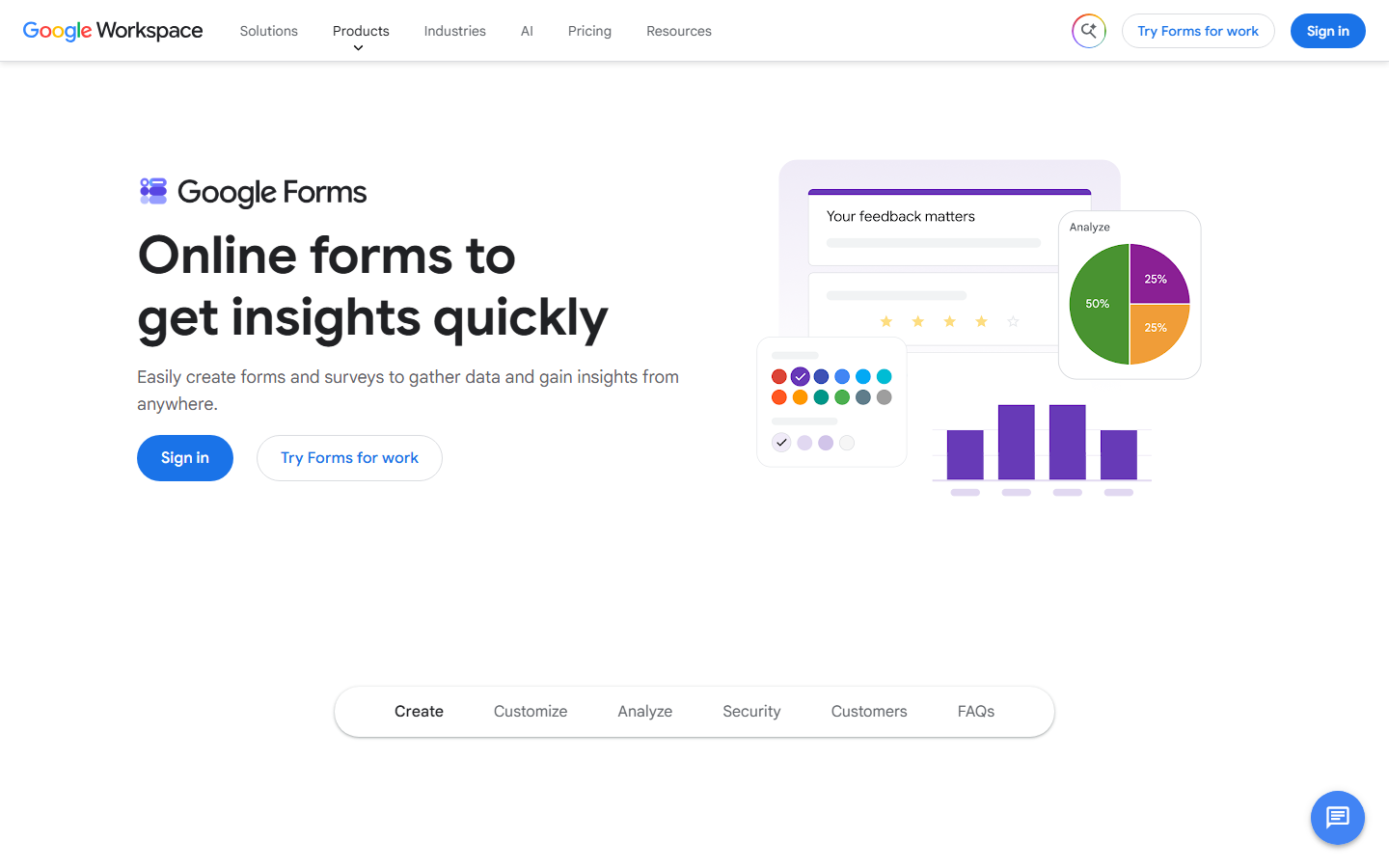
You know Google Forms. Everyone knows Google Forms. It's completely free with a Google account, there are no meaningful limits on forms or responses, and every answer can flow straight into a Google Sheet.
The Google Forms page on Google Workspace
Best at: Auto-graded quizzes. Flip a form into quiz mode, set an answer key and point values, and Google grades multiple choice, checkbox, dropdown, and exact-match short answers for you.
Free plan reality: Everything is free. Unlimited forms, unlimited responses, quiz mode, Sheets export. The paid Workspace tiers add business features, not form features.
The downside: Design. A Google Form always looks like a Google Form, and customization is limited to colors, fonts, and a header image.
This is the tool I'd use to run a scored pub quiz round or a classroom trivia test. And you don't have to write the questions yourself: grab ready-made ones from our free quiz question library and paste them straight in.
4. Fillout: a seriously generous "pro" free plan
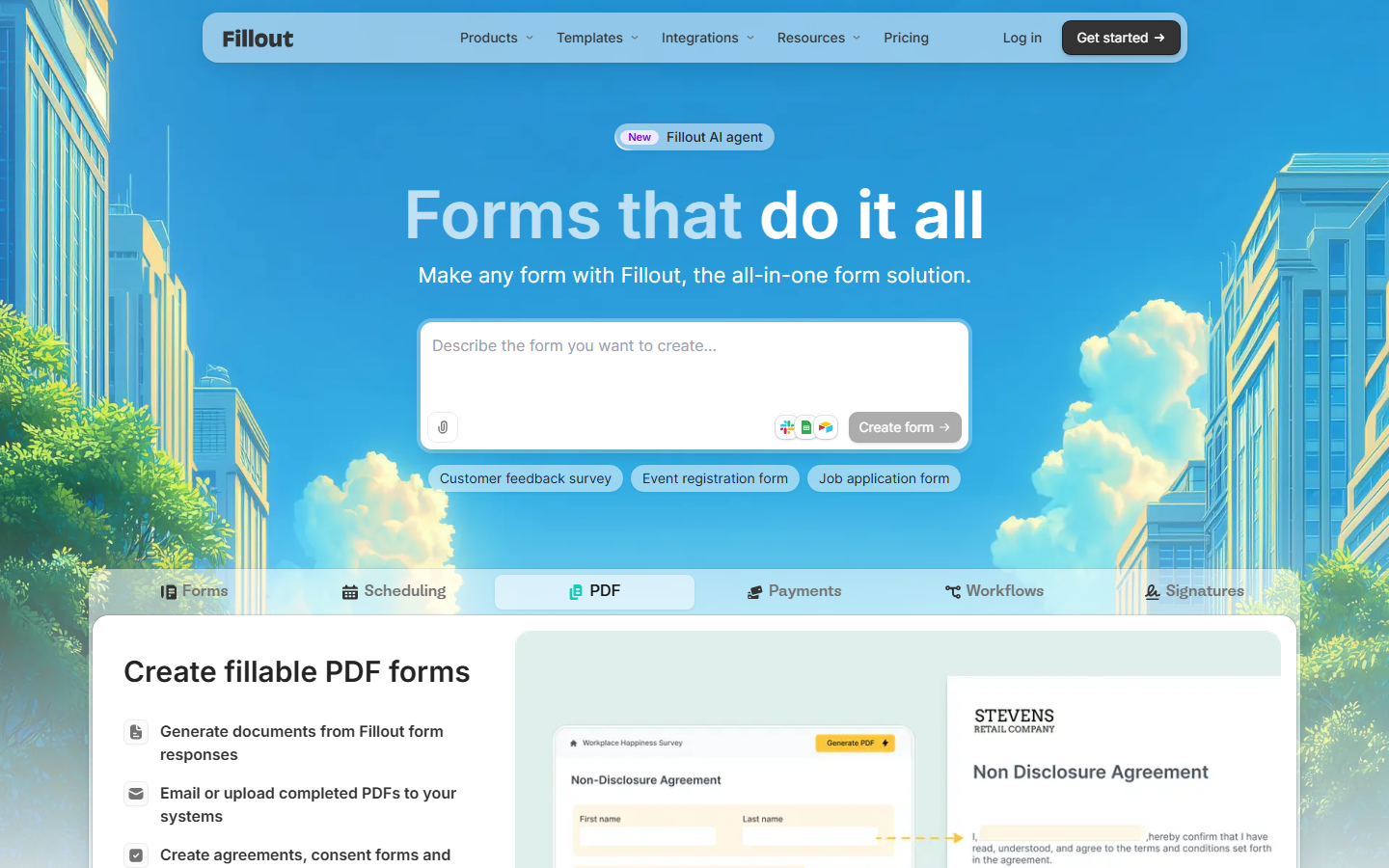
Fillout is the newer all-in-one player: forms, scheduling, payments, PDF generation, and workflows in one tool. It can also store responses directly in Airtable, Notion, or Google Sheets instead of its own database, which is genuinely useful if your quiz data already lives there.
The Fillout homepage
Best at: Powerful multi-page forms with logic, without paying. Think registration flows for a trivia league, complete with payments and scheduling.
Free plan reality: Unlimited forms, unlimited seats, and 1,000 responses per month, with conditional logic, payments, scheduling, and PDF generation included. That response cap is far above what most competitors give away.
The downside: The editor has more knobs than Tally's, so it feels busier, and some advanced features are still locked behind paid tiers.
5. Jotform: templates and integrations for days
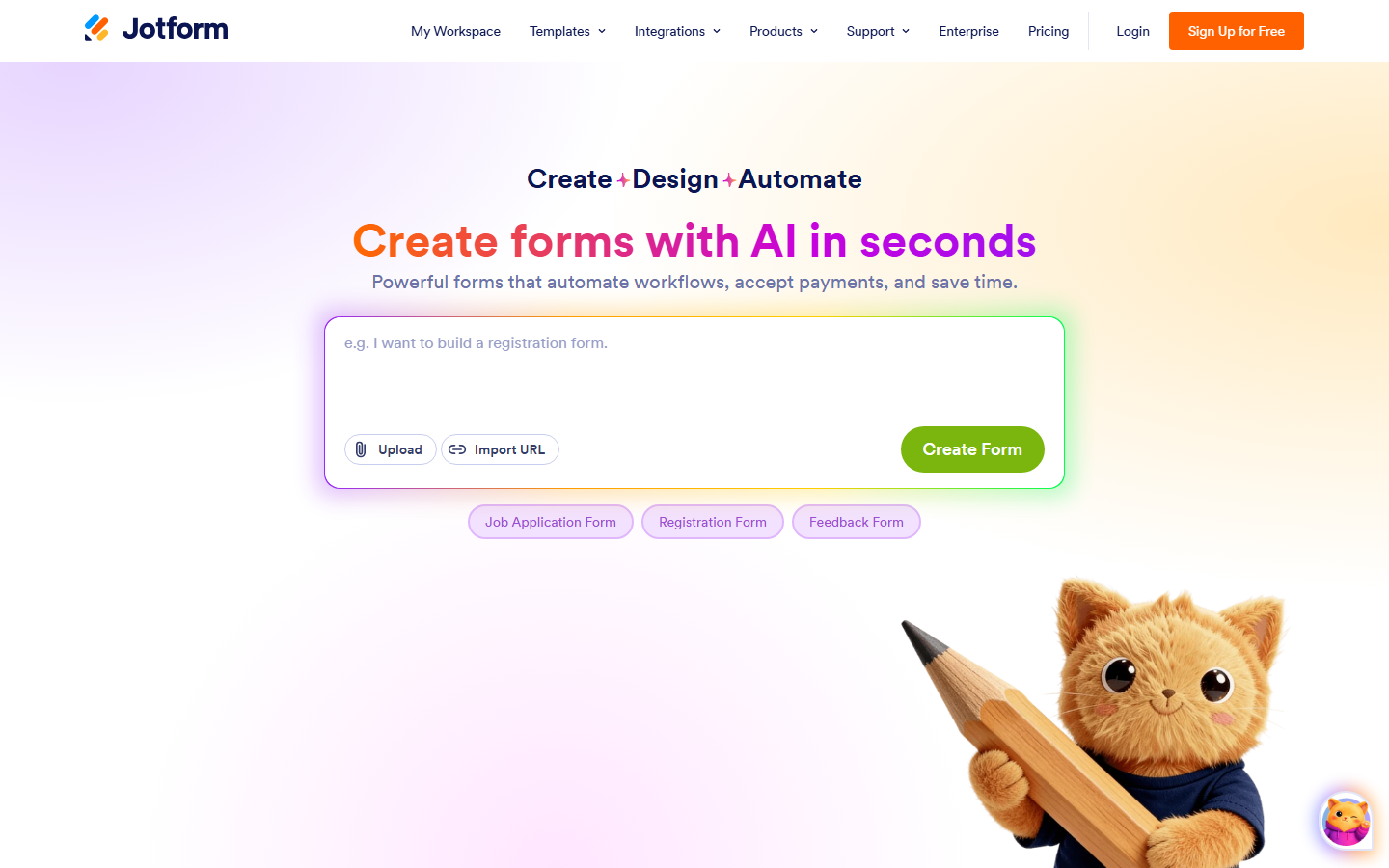
Jotform has been around since 2006 and it shows, in a good way. Thousands of templates, a drag-and-drop builder, payment processors, approval workflows, and an integration for practically everything. In 2026 it leans hard into AI form generation too: you describe the form and it builds it.
The Jotform homepage
Best at: Starting from a template instead of a blank page. Whatever form you need, someone already built it, including quiz and trivia registration templates.
Free plan reality: The Starter plan gives you 5 forms, 100 submissions per month, 1,000 monthly form views, and 100MB of storage, with Jotform branding on your forms.
The downside: Those limits arrive fast. 100 submissions a month is one good trivia night, and then you're staring at an upgrade screen.
6. Microsoft Forms: the Office crowd's quiet quiz tool
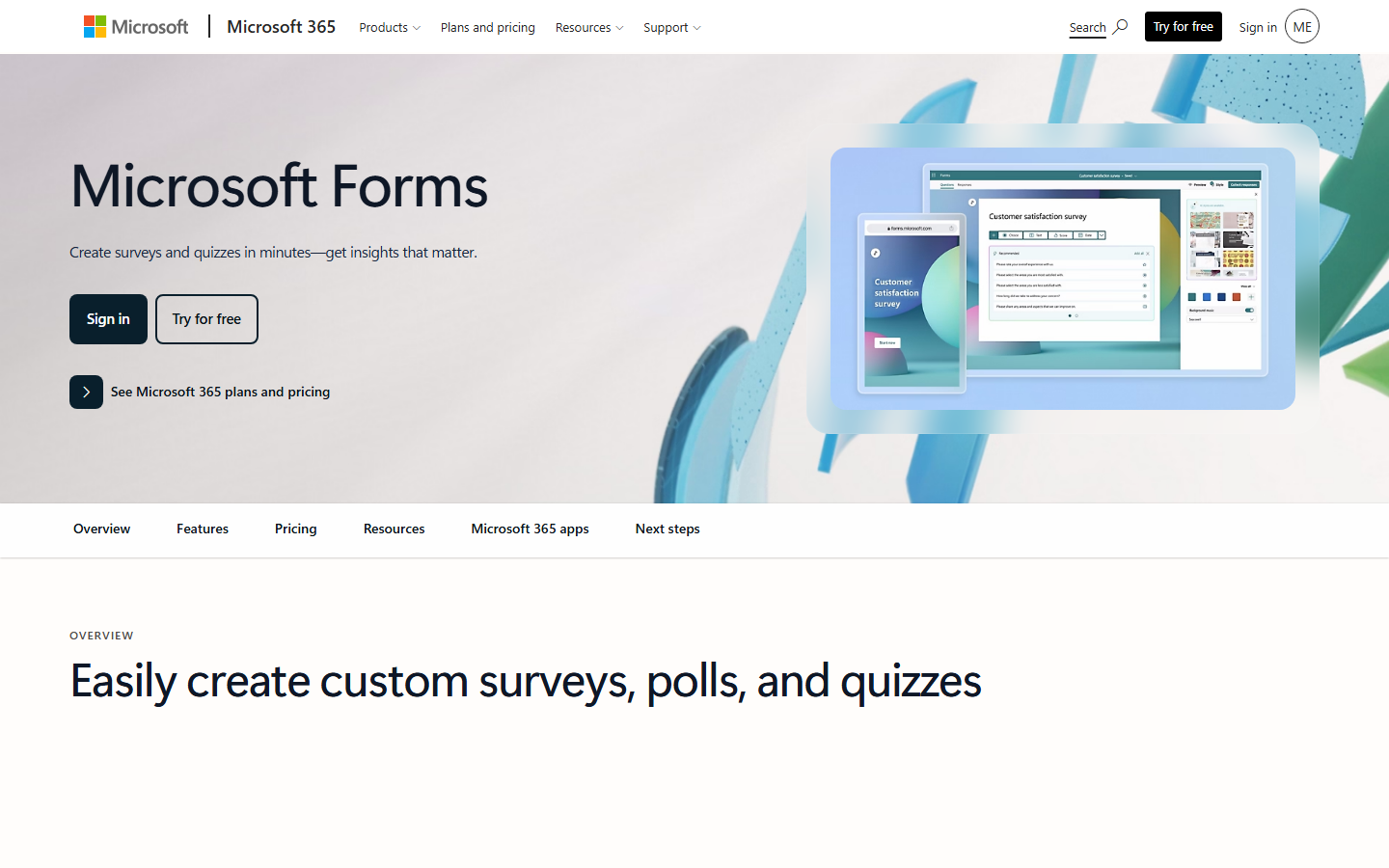
Microsoft Forms is the Google Forms of the Microsoft world, and honestly it's better than its reputation. It has a proper quiz mode with auto-grading, clean templates, and results that land in Excel. If your school or office already lives in Microsoft 365, it's right there waiting.
The Microsoft Forms page on Microsoft 365
Best at: Graded quizzes and polls inside Microsoft 365, especially for schools running Teams.
Free plan reality: Free with any Microsoft account, with up to 400 forms and up to 200 questions per form. The catch: a free personal account caps each form at 200 responses total, not per month. Work and school accounts raise that to millions.
The downside: That 200-response lifetime cap makes free personal use awkward for anything ongoing, and integrations outside the Microsoft ecosystem are thin.
7. SurveyMonkey: the survey specialist
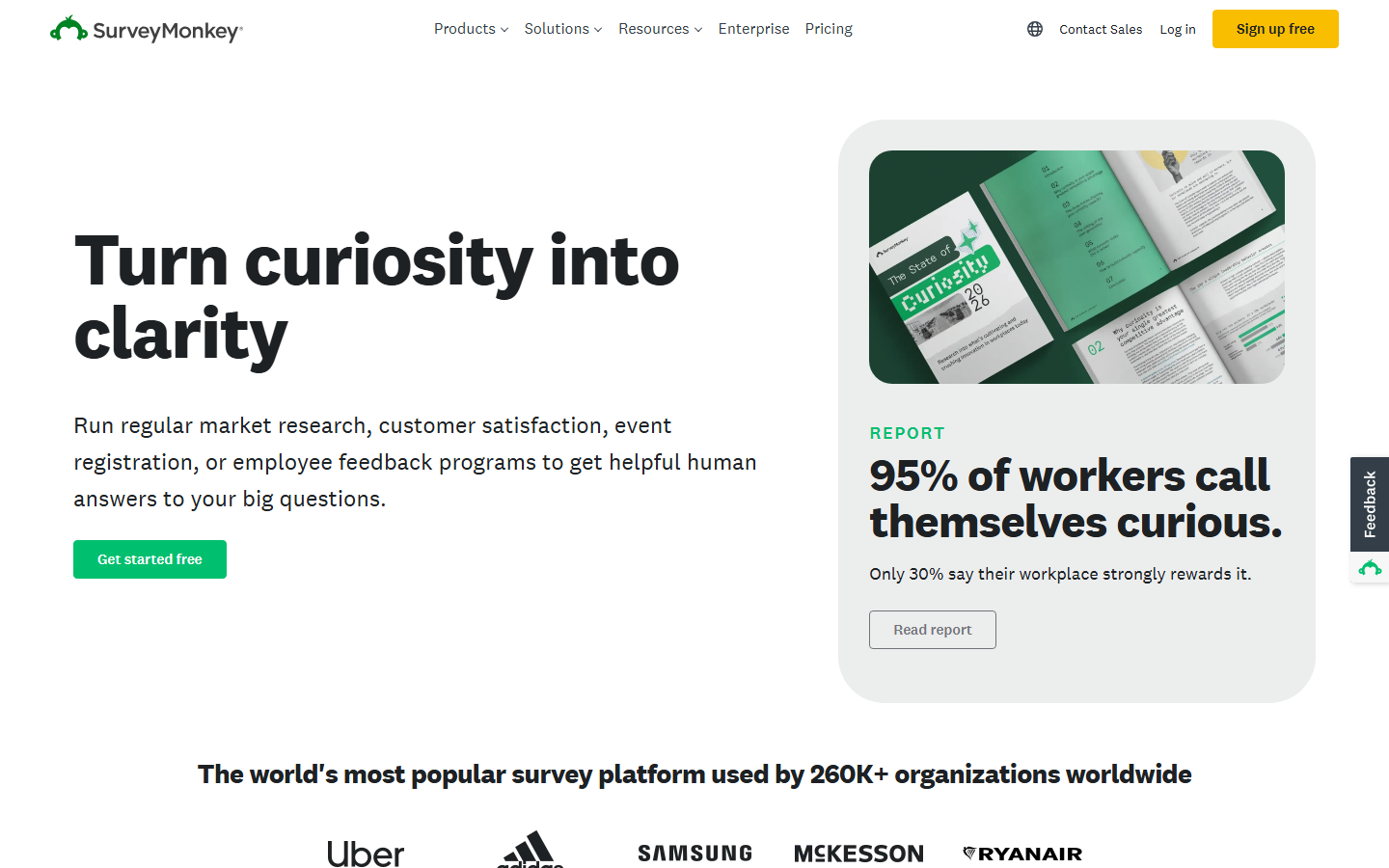
SurveyMonkey is the grandparent of online surveys, used by hundreds of thousands of organizations. Its strength was never pretty forms; it's the question bank, the analysis tools, and the research features on the paid tiers.
The SurveyMonkey homepage
Best at: Proper survey research: methodology, benchmarks, and analysis dashboards. If you're surveying your quiz audience about what categories they want more of, it takes that job seriously.
Free plan reality: Unlimited surveys, but each one is capped at 10 questions, and you can only view 25 responses per survey. Exports to CSV or Excel need a paid plan.
The downside: The free plan is essentially a demo. Ten questions and 25 viewable responses is not a real survey, it's a taste test.
8. Typeform: gorgeous, conversational, and stingy
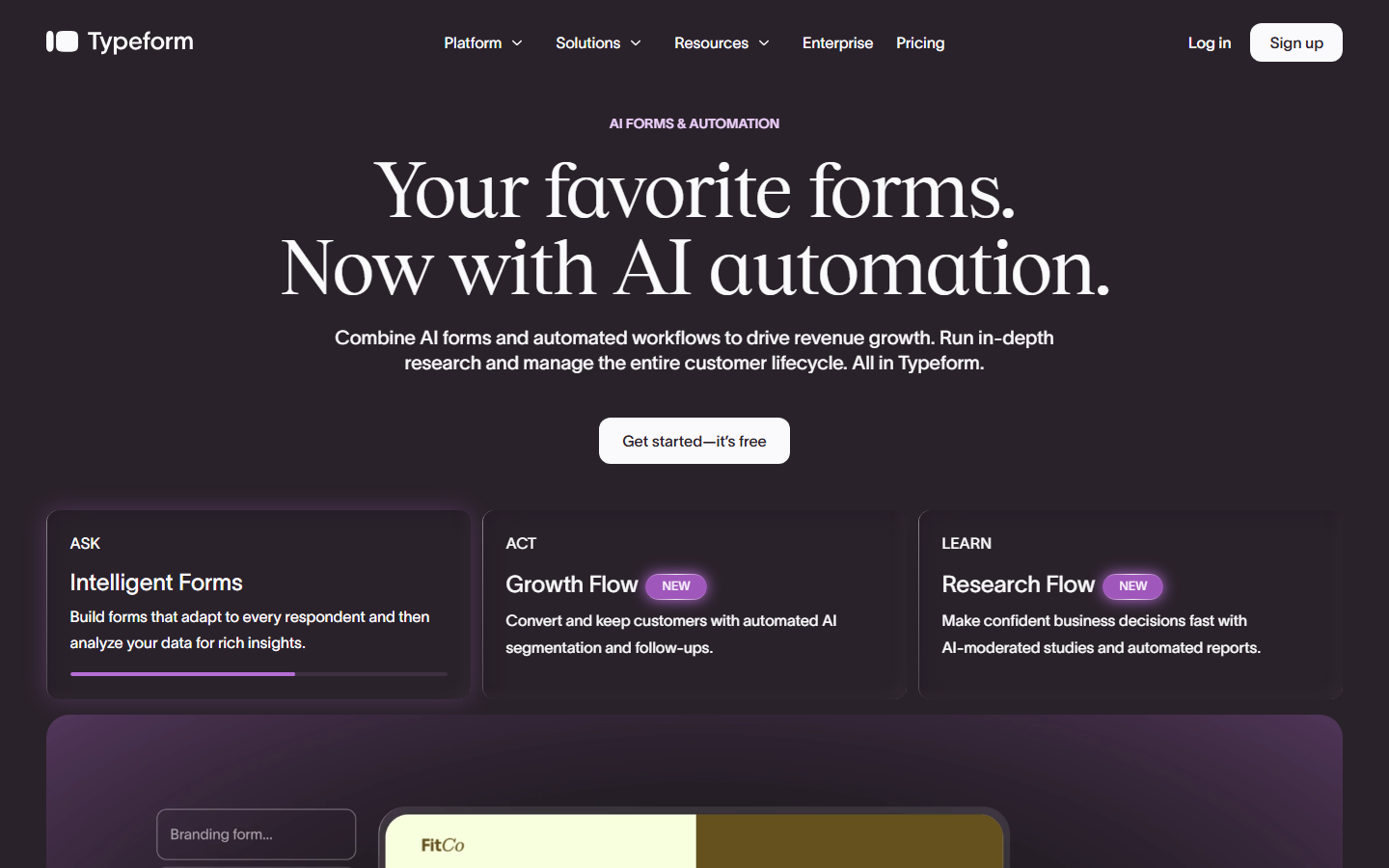
Typeform made one-question-at-a-time forms famous. Answering one feels like a conversation instead of paperwork, and that design still gets great completion rates. In 2026 the product leans heavily into AI forms and automation for businesses.
The Typeform homepage
Best at: Beautiful, high-engagement forms and quizzes where the experience matters as much as the answers. A personality-style quiz on Typeform simply feels premium.
Free plan reality: As of a February 2026 change, the free plan allows just 10 responses per month, down from 100. That is the most aggressive free tier cut on this list.
The downside: The free plan is now effectively a preview, and the paid plans are priced for businesses, not hobby quiz hosts.
9. Paperform: the doc-style builder for businesses
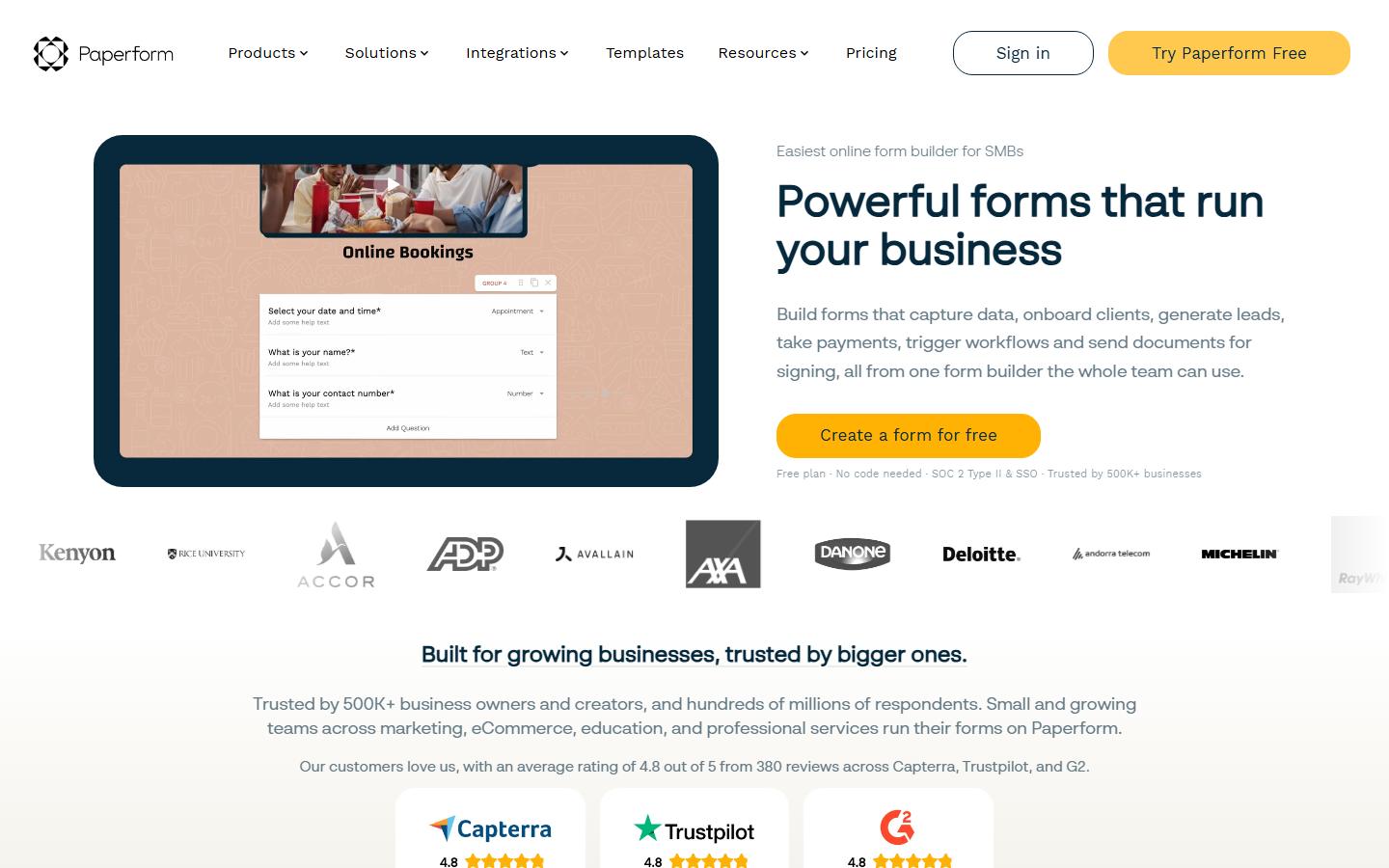
Paperform lets you write a form like a document: text, images, and videos flow around your questions, so the result reads like a landing page. It handles payments, calculations, and bookings, which is why it pitches itself at small businesses rather than casual users.
The Paperform homepage
Best at: Forms that double as branded pages, like a paid entry form for a trivia fundraiser with the event details, photos, and payment in one place.
Free plan reality: Paperform added a free plan in 2025, but it's limited to 30 submissions per month with a trimmed feature set. New signups get a 7-day Pro trial with no credit card required.
The downside: This is a paid product with a token free tier. If you're not going to pay, look further up this list.
So which one should you pick?
If I had to wipe my accounts and start over today, I'd sign up for forms.app for everything general-purpose: it has the features, the looks, and the pricing, plus unlimited responses and team members on the free plan. I'd keep Google Forms in my pocket for quick auto-graded classroom-style quizzes, and Tally for when I need a pile of small one-off forms and don't care how plain they look. The rest are excellent tools for their specific niches, but those three cover 90% of what a quiz host or community builder needs, for free.
Tip
Whichever builder you choose, the questions matter more than the tool. A perfectly designed form with dull questions still makes for a dull quiz night.
And when it's time to fill your shiny new form with actual content, we've got you covered: browse thousands of community-made questions on quizquestions.org, or spin up custom ones in seconds with our AI question generator. Build the form, drop in the questions, and go run a great quiz.